

Selected link
-
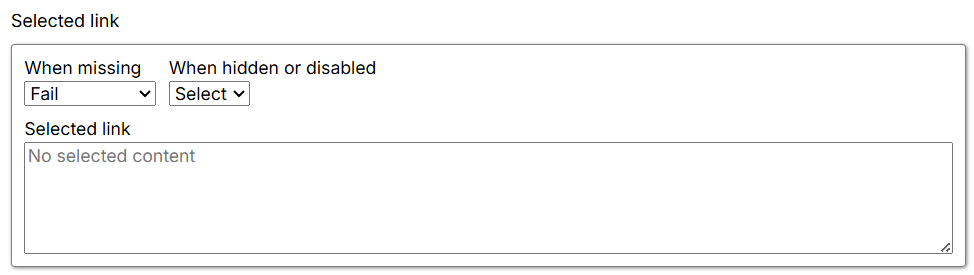
When missing: Specifies what happens when the selected content is missing. The default is Fail.
- Fail: Fails the Agent at this command and stops further execution.
- Warn: Ignores the current command and its child commands, then logs a page-load error.
- Ignore: Ignores the current command and its child commands.
- Passthrough: Ignores the missing selection and continues executing child commands.
-
When hidden or disabled: Controls how the Agent handles elements based on their visibility or enabled state.
- Select: Selects matching elements even if they are hidden or disabled.
- Ignore: Selects only matching elements that are present and enabled.
- Selected link: Shows the content selected by the command on the current page. If nothing is selected, it displays “No selected Content”.