The Open Content command extracts HTML or JSON from the current page and opens it as a new page with a static parser. It is useful for parsing content embedded within a page. Located under Browser in the command palette.

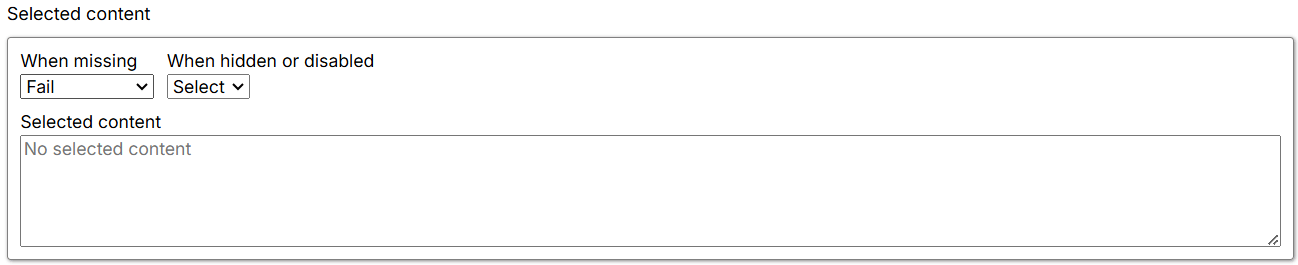
Selected content

Missing-content and selected-content settings When content missing defines how the Agent behaves when the content is not found. The default is Fail, which stops the Agent or logs an error and proceeds to the next sibling command. The available options are:
  • Fail: Stops the Agent and returns an error. If parallel commands are present, the Agent logs the error and moves to the next parallel command.
  • Warn: Logs a warning and continues processing subsequent commands.
  • Ignore: Logs neither an error nor a warning, skips child commands, and moves to the next parallel command.
  • Passthrough: Ignores the error and continues executing child commands.
Selected content shows the selected content as non-editable HTML so you can inspect the selected element.

Export

See Export for more information.