

Use Link Repeater for pagination
- Select the links to process with XPath.
- Choose how to handle missing, hidden, or disabled links.
- Set Repeat to When Exists or When New. For When New, choose the comparison attribute used to identify new links.
- Choose when to evaluate the loop condition and set a repeat limit if needed.
Command properties
Selected links
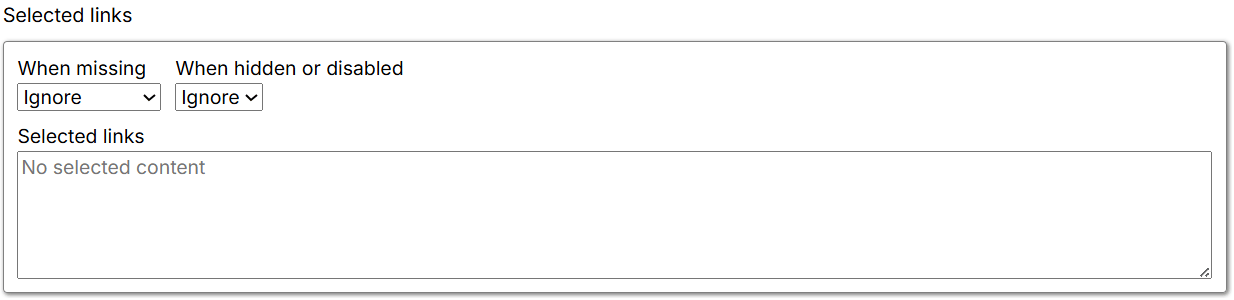
- When missing: Specifies what happens when the selected content is missing. The default is Ignore.
- Fail: Fails the Agent at this command and stops further execution.
- Warn: Ignores the current command and its child commands, and logs a page-load error.
- Ignore: Ignores the current command and its child commands.
- Passthrough: Ignores the missing content and continues executing child commands.
- When hidden or disabled: Controls how the Agent handles elements based on their visibility or enabled state.
- Select: Selects matching elements whether they are visible or disabled.
- Ignore: Selects only matching elements that are present and enabled.
- Selected link: Displays the content selected by the command on the current page. If nothing is selected or the selection is missing, it displays No selected content.
Repeater settings
- Repeat: Selects the condition used for pagination. The default is When Exists.
- When Exists: Continues processing while matching elements remain on the page. This is useful for paginated or dynamically loaded content where links are processed until none remain.
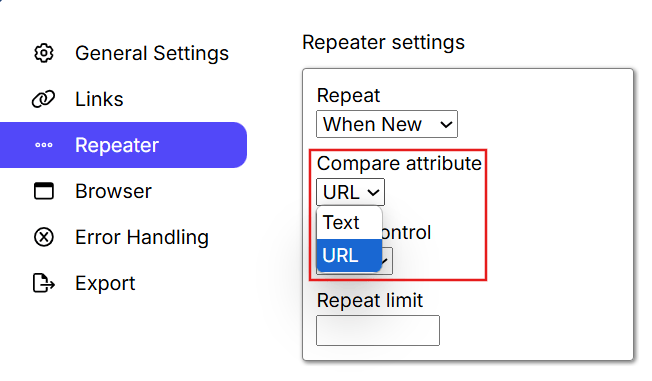
- When New: Processes links when new content appears. Selecting this option makes Compare Attribute available so that new links can be identified by Text, URL, HTML, or another attribute; Text is the default.
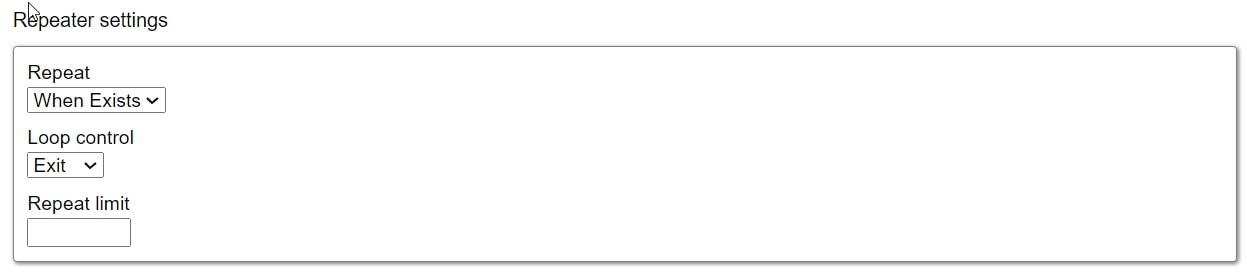
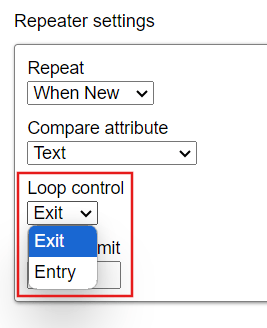
- Loop control: Determines when the repeat condition is evaluated. The default is Exit.
- Exit: Evaluates the condition after child commands have run for the first time. If the condition is met, the loop ends without another iteration.
- Entry: Evaluates the condition before child commands run. If the condition is not met, the loop does not start.
- Repeat limit: Sets the maximum number of loop iterations.