The Files section stores data files and scripts accessible to all commands within an agent. Files are private to the agent and cannot be accessed by other agents or users.

Overview

The Files section allows you to upload and manage files for use by any command in the agent. Maximum file size: 50 MB. Any file type can be uploaded. Upload files by dragging and dropping or using the upload button. Files section overview
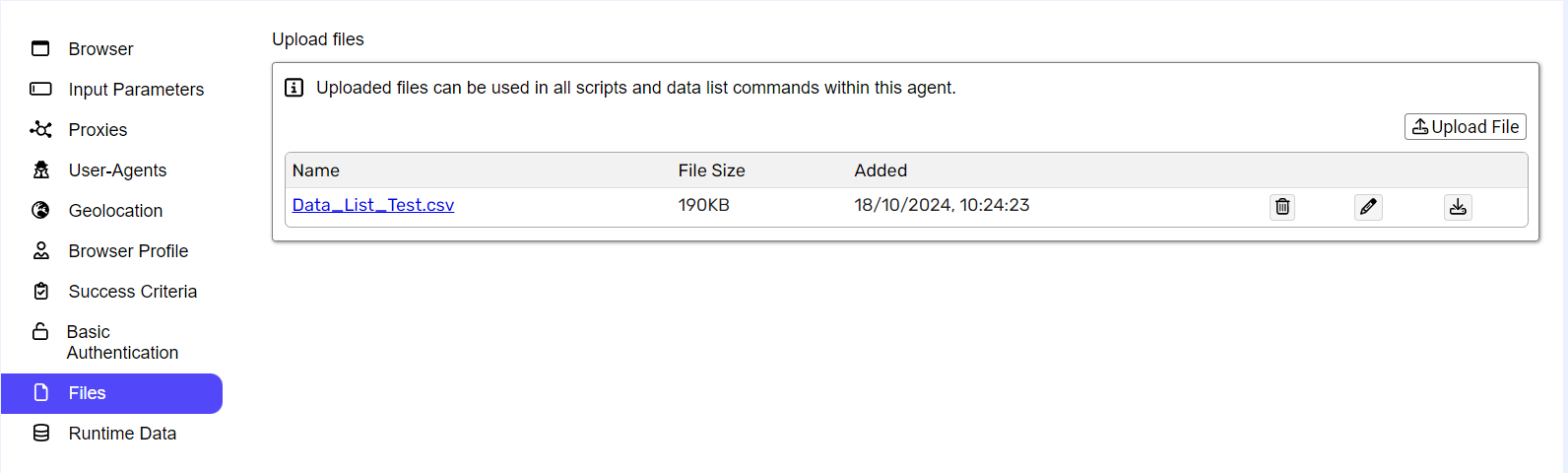
File management

CSV files have an Edit option. All files can be downloaded or deleted. Files management options

Editing CSV files

Click Edit to open the Files Detail Page. From there, click Edit again to modify file content in a dialog box. After updating, click Save to persist changes. File name is fixed and cannot be changed. Updated content is immediately available to all commands in the agent.